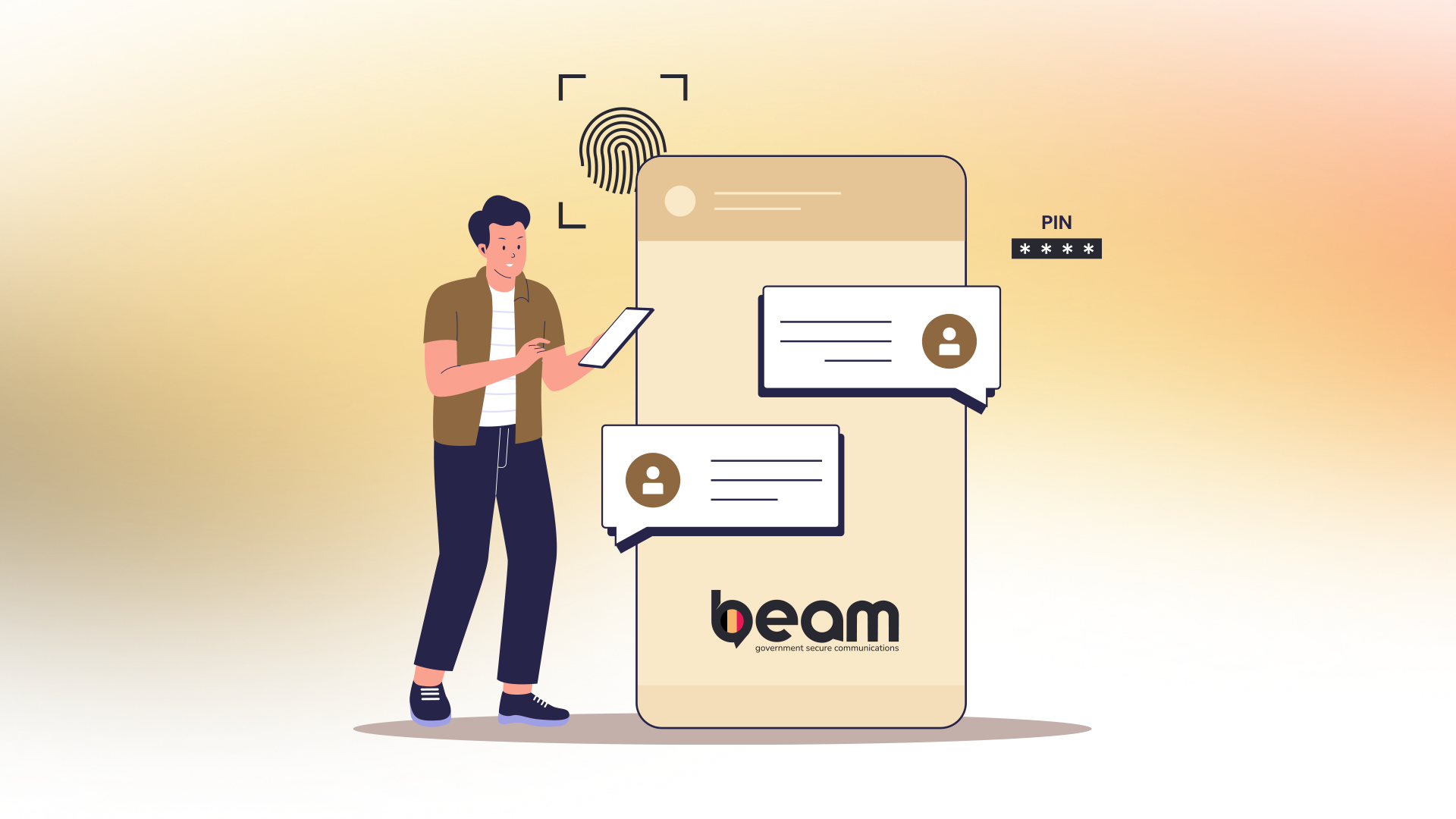
Getting Started with Beam Secure Messaging
Welcome to Beam, Belgium's sovereign messaging platform for government services. This guide will help you get started quickly and securely.
What you need
To use Beam you need:
- A professional email address linked to your organization.
- A compatible device (iOS, Android, or web browser).
- A personal mobile phone number.
Setting up your account
Step 1: Download the app
- iOS: Download Beam from the App Store.
- Android: Download Beam from Google Play Store.
Step 2: Create your personal account
- Verify your identity with your professional email address.
- Verify your account with your personal mobile phone number. This number is only used for account verification.
Step 4: Configure your profile
- Check your contact information.
- Adjust your privacy settings.
Sending your first message
- Tap "New conversation" or the "+" icon
- Search for a colleague by name or email address
- Type your message
- Tap send
Understanding security and privacy features
End-to-end encryption
- All your message content is automatically encrypted.
- Only you and your conversation partners can read messages
Contact verification
Verify important contacts via the "verification" option when you are in contact with your contact in person or via another medium.
Privacy settings
You can choose from different options that determine the discoverability of your account.
- Option 1: You are automatically discoverable in the general directory of Beam.
- Option 2: You are discoverable if someone knows your complete email address.
- Option 3: You are only discoverable if someone knows your Beam ID.
App Pin Code
To add additional security, it is possible to set a pin code on the Beam application, on top of the security lock of the phone.
What is the Beam "Recovery Key"?
When creating your account, you can create your "recovery key". Store it in a safe place, ideally not only on your phone. Only with this "recovery key" can you recover your messages if you need to reactivate your account. You can create this "recovery key" under the "encryption" section in the application.
If you need assistance with Beam, contact your organization's IT support team or visit our comprehensive help documentation.
Remember: Beam is designed to protect your most sensitive communications. Always follow your organization's security guidelines when using the platform.