How to change the way people find me?
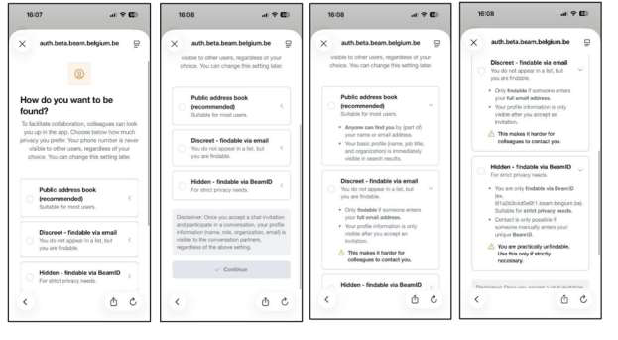
In the app, navigate to Settings > Edit profile. Under How do you want to be found? you can change this.
In the web version, tap  and All Settings. Under Account and How do you want to be found? you can change this.
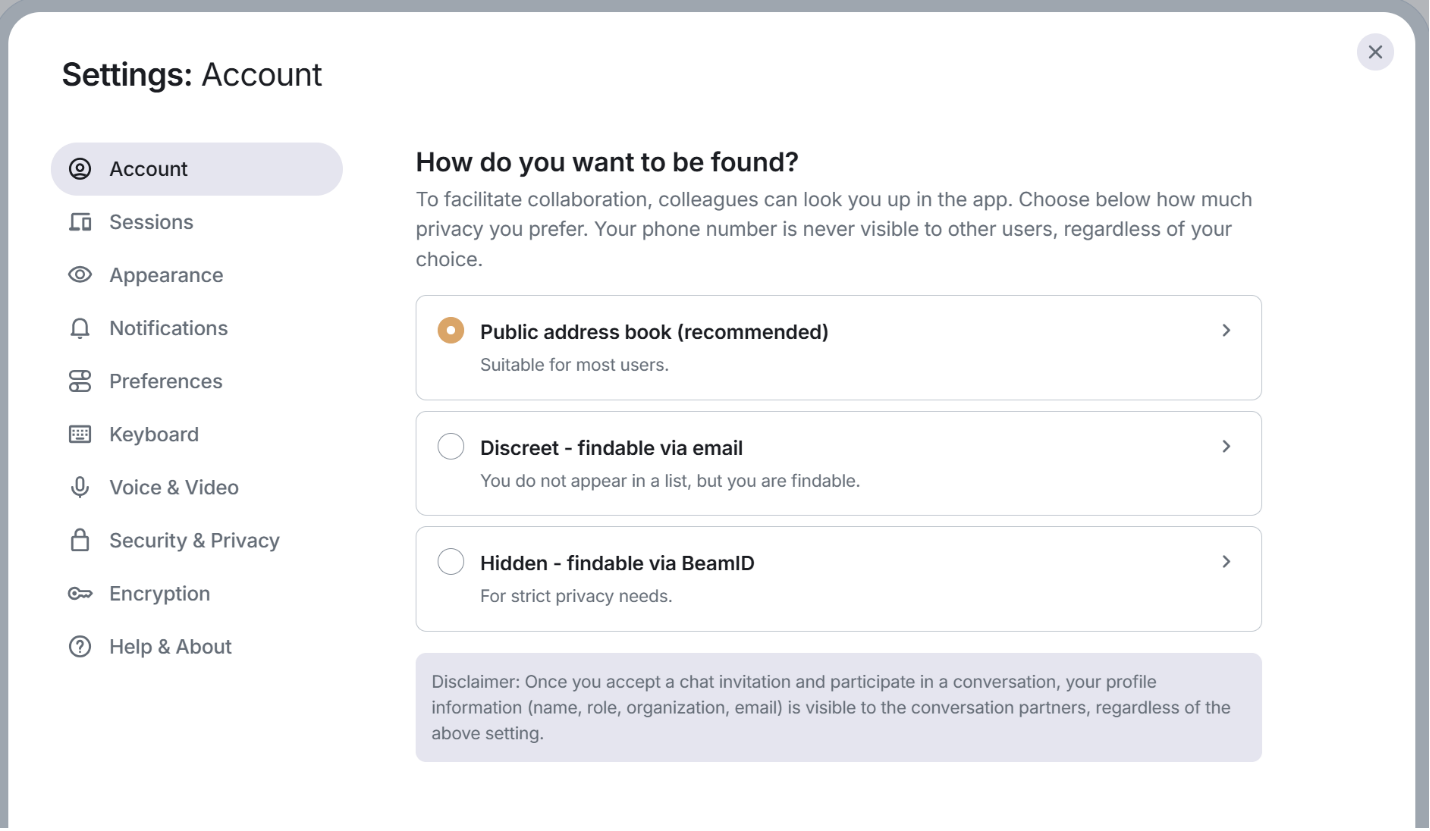
Disclaimer: Once you accept a chat invitation and participate in a conversation, your profile information (name, role, organization, email) is visible to the conversation partners, regardless of the above setting.
If you need assistance with Beam, contact your organization's IT support team or visit our comprehensive help documentation.