
Note to yourself
Did you know that with Beam, you can create a group for yourself to keep track of important notes?
Android/iOS
- In Beam, tap
 to start a new group.
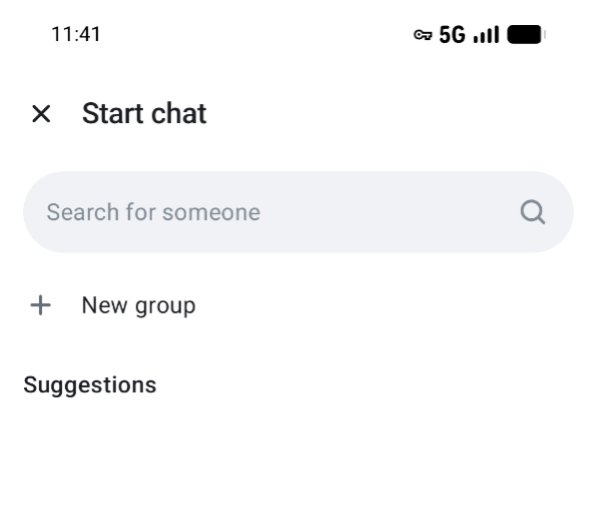
- In Create a private group give a name to the group (e.g. Notes).
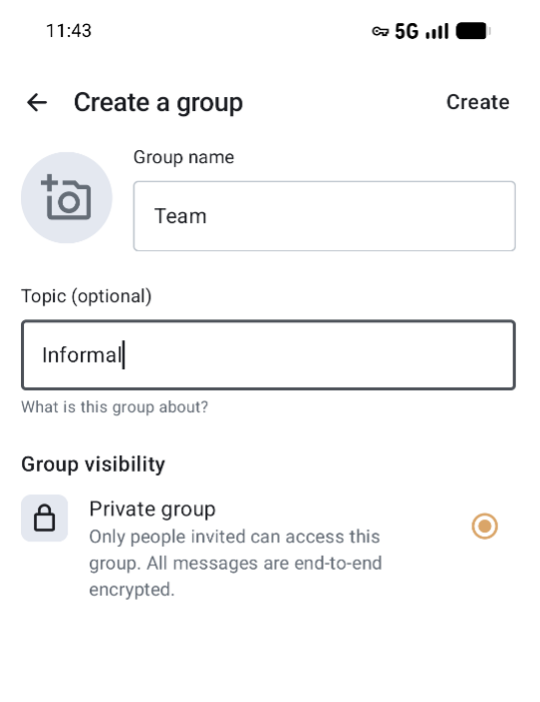
-
Tap on Create to start the group.
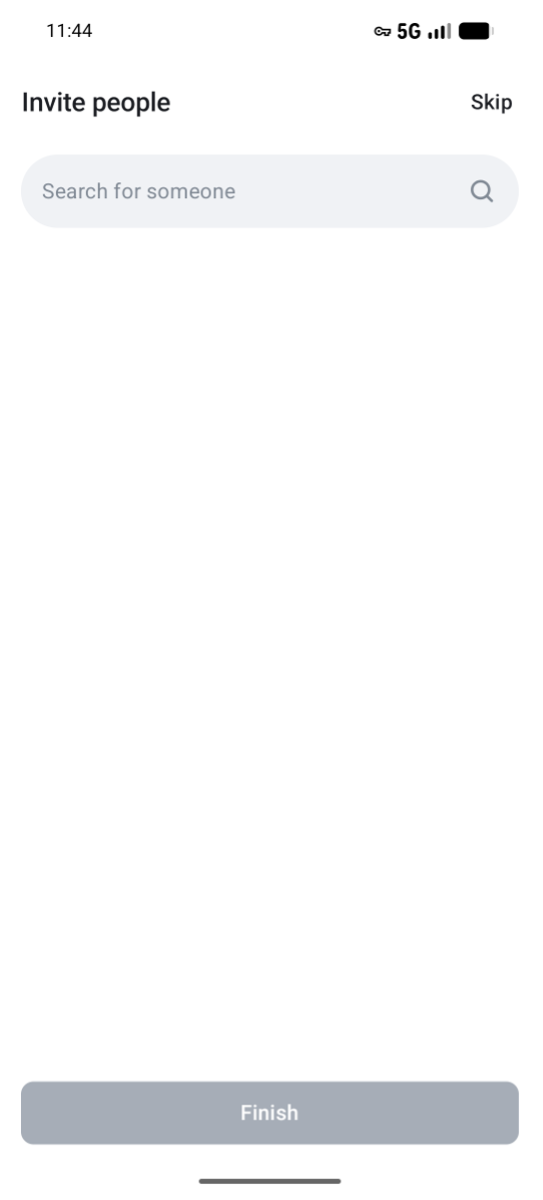
-
Do not invite people and tap Skip.
- You have now created a private group where you can safely store your notes and to which only you have access.
Web version
-
In Beam, tap
 and # New group to start a new group.
 -
In Create a private group give a name to the group and click Create group.
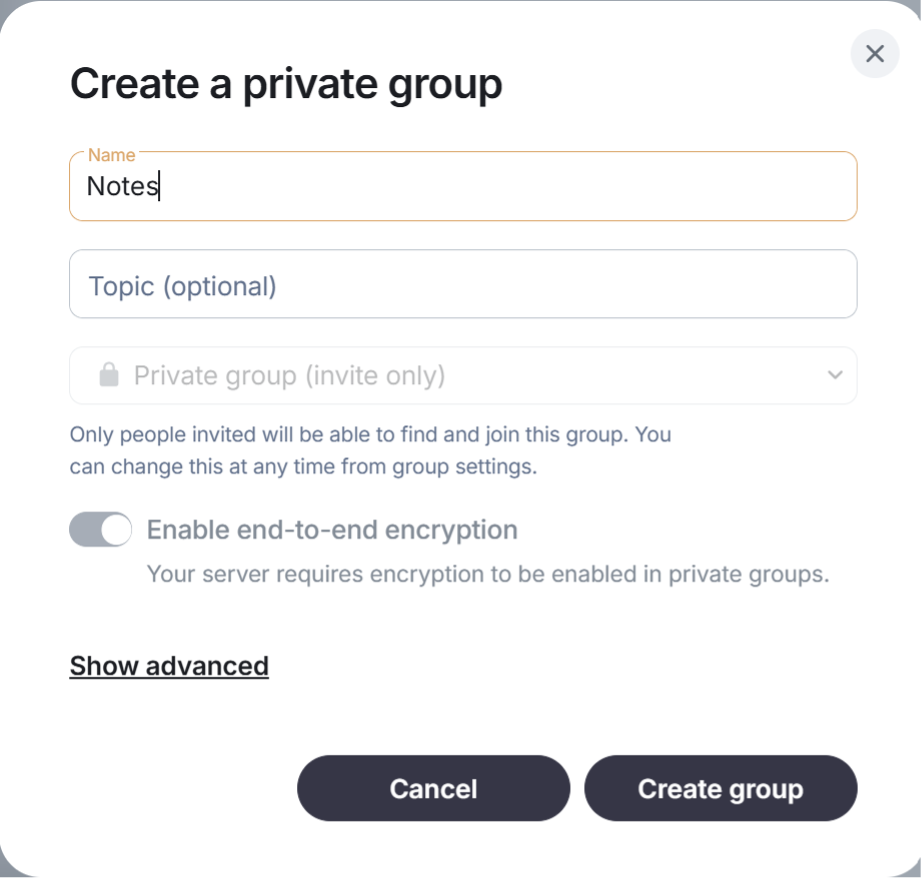
-
Do not invite people.
-
You have now created a private group where you can safely store your notes and to which only you have access.
If you need help with Beam, please contact the IT support team of your organization or visit our extensive help documentation.